


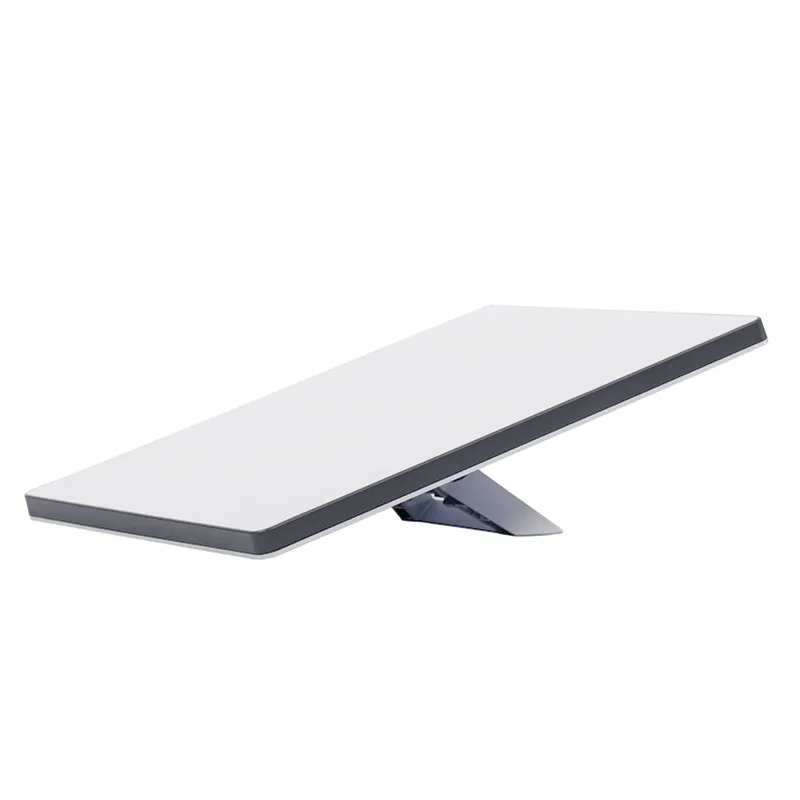
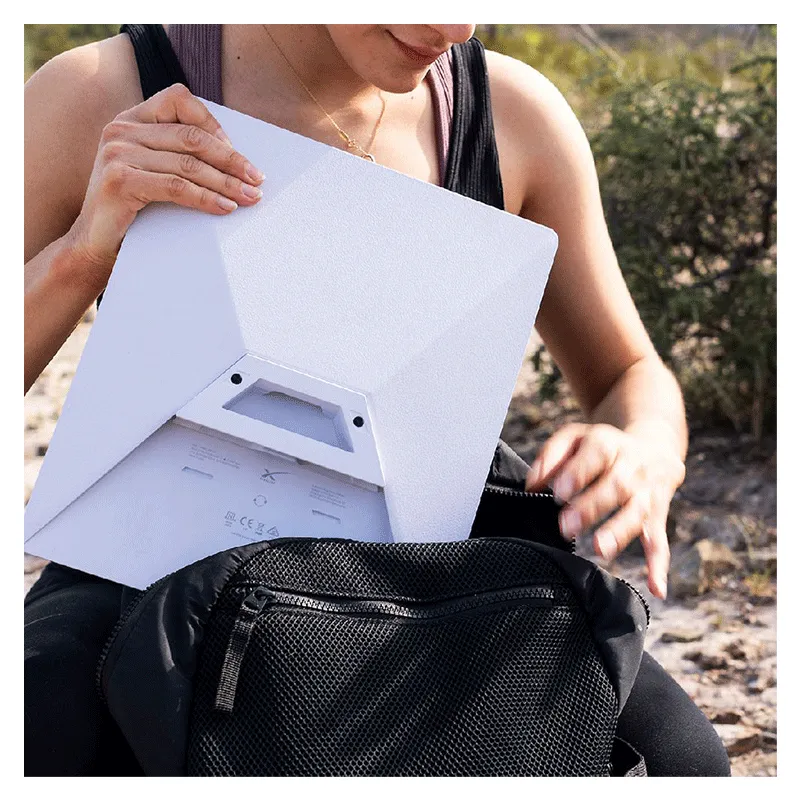

Starlink Mini is compact in size, portable, and recommended for basic internet applications
1. Download the Starlink App
Download the Starlink App and scan the QR code located on the kit packaging to step through the install process.
2. Find A Clear View of Sky and Check for Obstructions
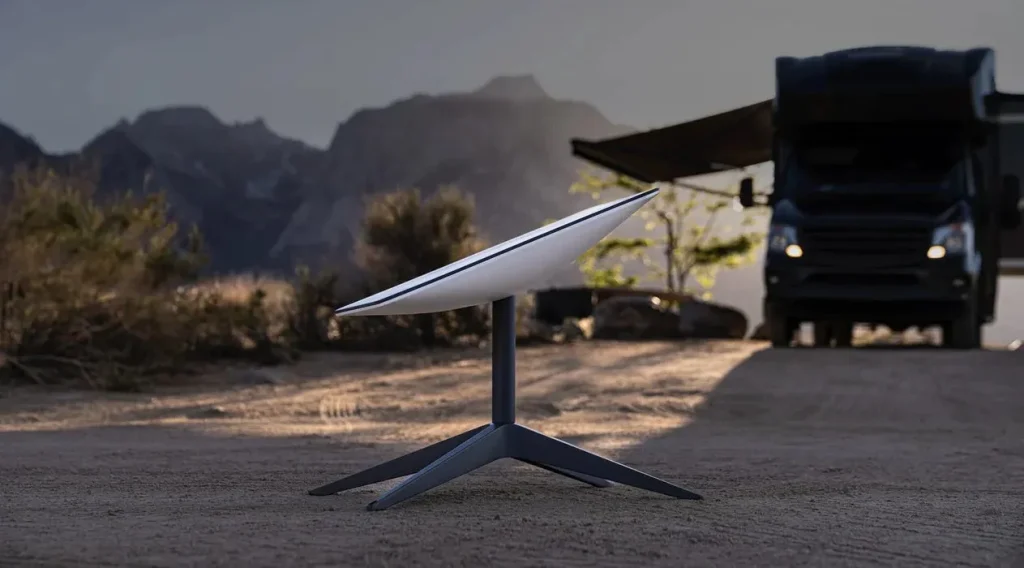
Your Starlink needs a clear view of the sky so it can stay connected with satellites as they move overhead. Objects that obstruct the connection between your Starlink and the satellite, such as a tree branch, pole, or roof, will cause service interruptions. Use the obstruction tool in the app to ensure you have selected a suitable mounting location. Click here for video guidance on obstructions.
If you could not find a clear field of view from the ground level, consider installing in an elevated location, like a roof, pole, or wall. A Mini Pipe Adapter and Flat Mount comes included in the kit and additional mounts and accessories are available for purchase on the Starlink Shop.
3. Plug in Starlink
The Starlink Mini has an integrated WiFi router, meaning a separate router is not required to get online. Lift the kickstand and plug one end of the provided cable into your Starlink. Ensure the plug is fully inserted such that the plug face is flush with the surface.
Route the other end of the power cable to your power supply and plug it into a power outlet.
4. Connect to WiFi
a. On your device, find and connect to the STARLINK network in your WiFi settings
b. To secure your Starlink WiFi network, use the Starlink App to rename your Starlink WiFi network and create a WiFi password. Open the Starlink App > Settings > Router > enter the desired WiFi network name and password > Save.
This step is optional, but we recommend securing your WiFi network.
5. Align Starlink Your Starlink Kit needs to face the right direction to connect to the maximum number of satellites for the strongest connection. Set up Starlink, ensuring the kit is tilted using the kickstand, or use the provided Mini Pipe Adapter and Flat Mount if you have a pipe for installation. Click here for additional guidance on the alignment tool.
Note:
If your Starlink is aligned within 5°, the app will not alert you, indicating your Starlink is properly aligned.
Multiple Starlinks: If installing multiple Starlinks in one location, the minimum separation distance from the mount center to mount center should be 3 meters. A third-party router can be used to connect the Starlinks together into one network and provide load balancing, traffic shaping, failover, and other advanced capabilities.
Make sure everything is securely and fully plugged in and there is no damage to hardware or cables.
Power cycle your Starlink by unplugging from power and then plugging back in.
Factory reset the Starlink by locating the reset icon on the back. Press down firmly until you hear or feel a click and hold for 3 seconds. The LED will blink quickly and shutoff when complete. Step through the install process to set up your Mini and get online.
Starlink Mini operates with an input voltage range of 12-48V. If you’re experiencing issues while using a 12V power supply or battery, try reducing the cable length or using a thicker gauge cable. You can also improve performance by supplying power at a higher voltage if possible. An easy solution is to use the Starlink Mini USB-C cable with a 100W USB-C power supply or the Starlink Mini Car Adapter.
Note: Your network name and password will be reset after completing factory reset. Look for ‘Starlink’ network during setup and configure your network to your preferred network name and password.
Using Mesh or Third-Party Router
If you want to set up a mesh system with a Starlink router, you can hardwire a router via an ethernet cable into the RJ45 port or create a wireless mesh network. You can also use your own router via the RJ45 port in bypass mode.
Plug the Mini Starlink Cable available on starlink.com/shop or your own ethernet cable into the ethernet port. Connect the other end of your cable to a Starlink Gen 3 router or third-party hardware.
Note: Use the Mini Starlink Cable available on starlink.com/shop to protect your dish against water ingress. The Mini is no longer IP67 rated waterproof with a third-party RJ45 cable.

Reviews
Clear filtersThere are no reviews yet.